
Setting a goal
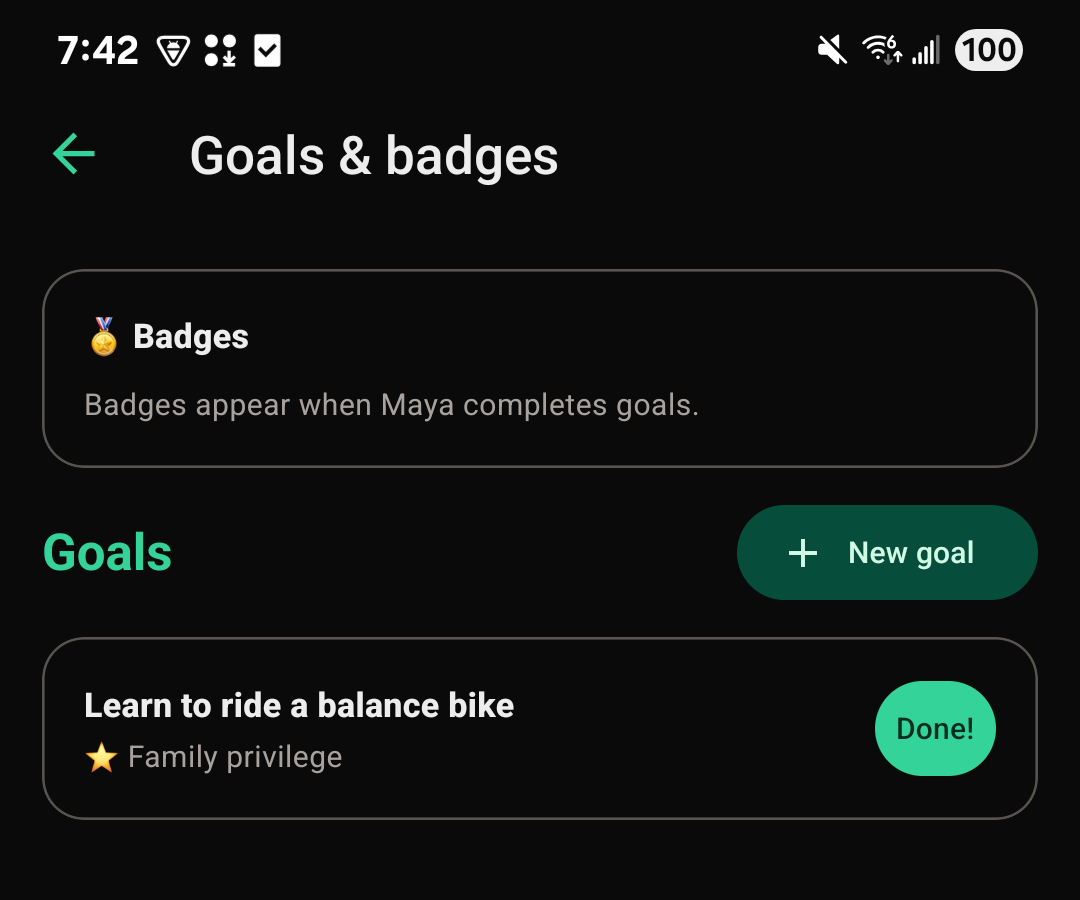
From a child's vault, open Goals & badges and choose New goal. Write what the goal is, then choose its reward:
- A badge
- Cash
- A gift to the child's FutureRoots Fund
- A family privilege you decide together
Marking a goal done
When a child reaches a goal, a parent or guardian marks it Done. If the reward is a badge, it's added to the child's vault right away. If it's cash or a FutureRoots Fund gift, that's arranged separately, since FutureRoots doesn't move money on its own for a goal reward.
What badges are
A badge is a small keepsake that shows up on a child's vault when they complete a goal. It's a memory of the achievement, not a currency or a score kept anywhere else.