
Your first three months
Every new family starts with three months of the Room to Grow plan, on us. No card, nothing to cancel, and nothing is charged when it ends.
What every family gets for free
Photos, voice notes, written memories, and milestones are always free to add, for as long as your family wants FutureRoots. Time capsules, the family archive and goals each come with space to begin, and Room to Grow makes space for more.
If you ever stop paying for Room to Grow or Premium, or your first three months end, everything you've saved stays yours and stays readable, videos included.
Room to Grow
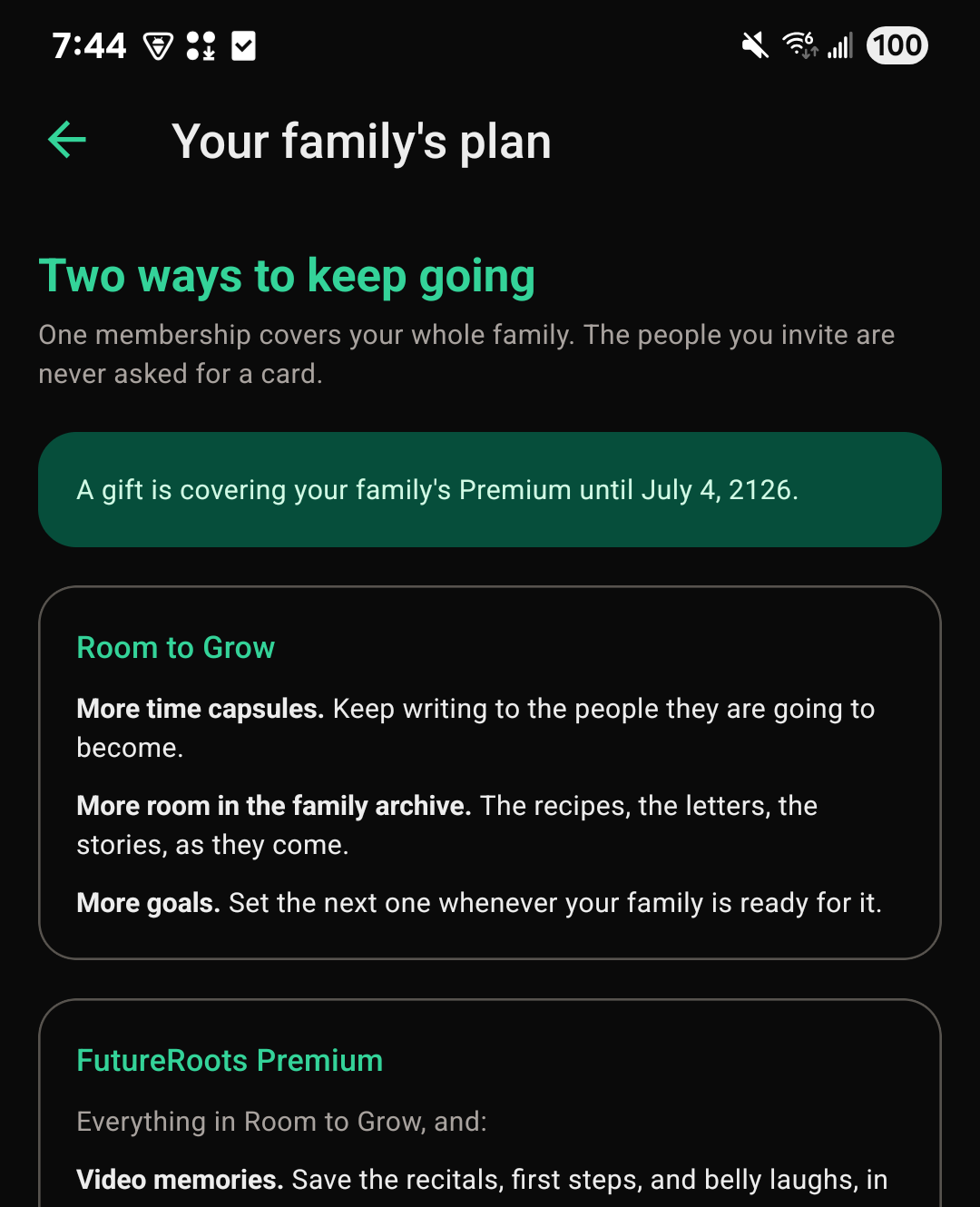
$29.99 a year, or $2.99 a month. It adds:
- More time capsules
- More room in the family archive, for the recipes, the letters, and the stories
- More goals, set whenever your family is ready for the next one
Premium
$99.99 a year, or $9.99 a month. It includes everything in Room to Grow, plus:
- Video memories, saved to the vault and the family feed
- Family video calls
- A Certificate of Authenticity you can print or share
- A check across your whole archive at once
- An inheritance pack: an offline copy that will still open decades from now
Prices are in US dollars. Video needs Premium. Plans can't be bought in the app; choose one on the website.
Changing or canceling your plan
A parent in the family can change or cancel the plan.
- Sign in on the website and open your family's page.
- Find the Plan section.
- Choose Cancel Room to Grow or Cancel Premium, and confirm.
Your plan stays on until the end of the period you've already paid for, and then it doesn't renew. Nothing your family has saved is removed. Changed your mind before then? Choose Resume in the same place.
Whoever pays for the plan can also choose Manage billing there to update the card or see receipts.
In the app: You can see your family's plan from Menu → Your family's plan, but changes are made on the website.
Gifting a year of Premium
Grandparents and other family members can give their family a year of Premium. Only parents can't, since the plan is already theirs to choose.
- Sign in on the website and open the family's page.
- In the Plan section, choose Give this family a year of Premium.
- Pay for the year. The family is told it came from you.