
What the Legacy archive is for
Unlike a child's vault, the Legacy archive belongs to the whole family rather than one child. It's where recipes in a grandparent's own words, the story behind an old photo, or a piece of advice you don't want lost get kept.
Adding a story, recipe, or piece of advice
- Open your family's page and choose the Legacy archive card. In the app, tap the Legacy archive card on Home.
- Pick one of the five prompts:
- Tell a story from the old days
- Pass down a family recipe
- Record a piece of advice
- Add a cherished old photo
- Keep an important document safe
- Write it in your own words, or record it, and save it.
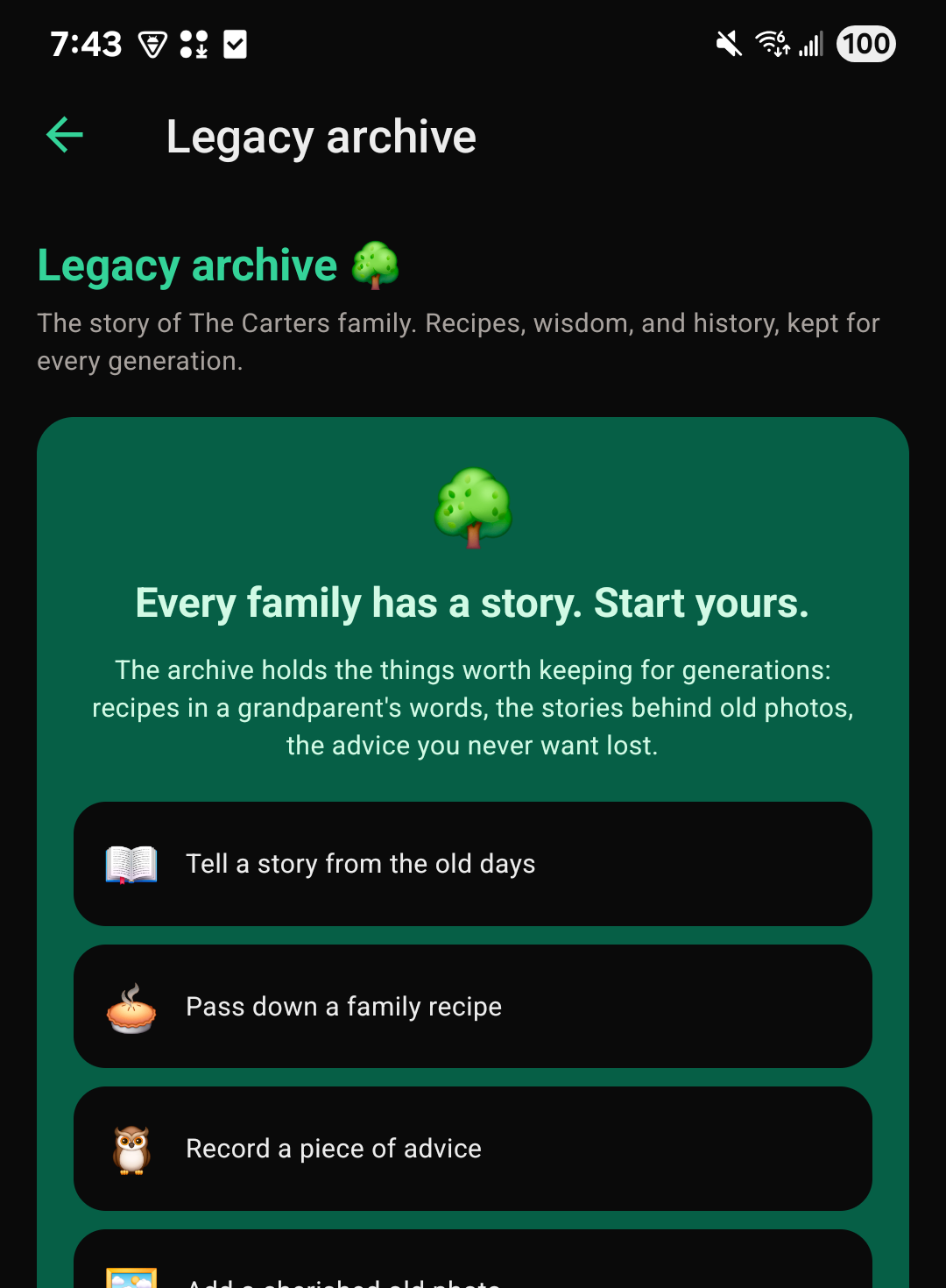
Every family has space to begin in the archive, and Room to Grow makes space for more.
Who can see the archive
Everyone in your family can see the Legacy archive, except supporters. It's private by design: there are no public pages, and nothing here leaves the family unless someone deliberately shares a certificate link from it, or brings a copy into another family they belong to (see below).
Bringing stories from another family
If you belong to two families, say the one you grew up in and the one you're raising now, you can copy archive entries from one into the other. You need to be a parent or guardian in the family you're copying into, and a member (not a supporter) of the one you're copying from.
- Open the Legacy archive of the family you want to copy into.
- Choose Bring stories from another family.
- Pick the other family, then check the entries you'd like to bring.
- Open each photo or video full-size to choose it. They're never chosen for you.
- Choose the button to bring them into this archive.
The original stays where it is, unchanged. Each copy belongs to the family it's copied into. A copy's words stay as they were written, and a copy can't be copied on again. Anything marked Keep this in our family can't be copied, and neither can entries only parents and guardians can see, sealed or removed entries, or entries from someone who has deleted their account. The parents and guardians of the family it came from can see what was copied and by whom, under Copied from this archive, but never where it went.
Grew up with FutureRoots, and your record has been handed over to you? When you start a family of your own, Bring your story with you offers your childhood memories and your family's archive, with a few already chosen. Uncheck anything you'd rather leave behind before you bring them.
Keeping an entry in your family
The person who added an entry, or a parent or guardian, can choose Keep this in our family on it. While that's on, nobody can copy it into another family. Choose it again to share it again.