
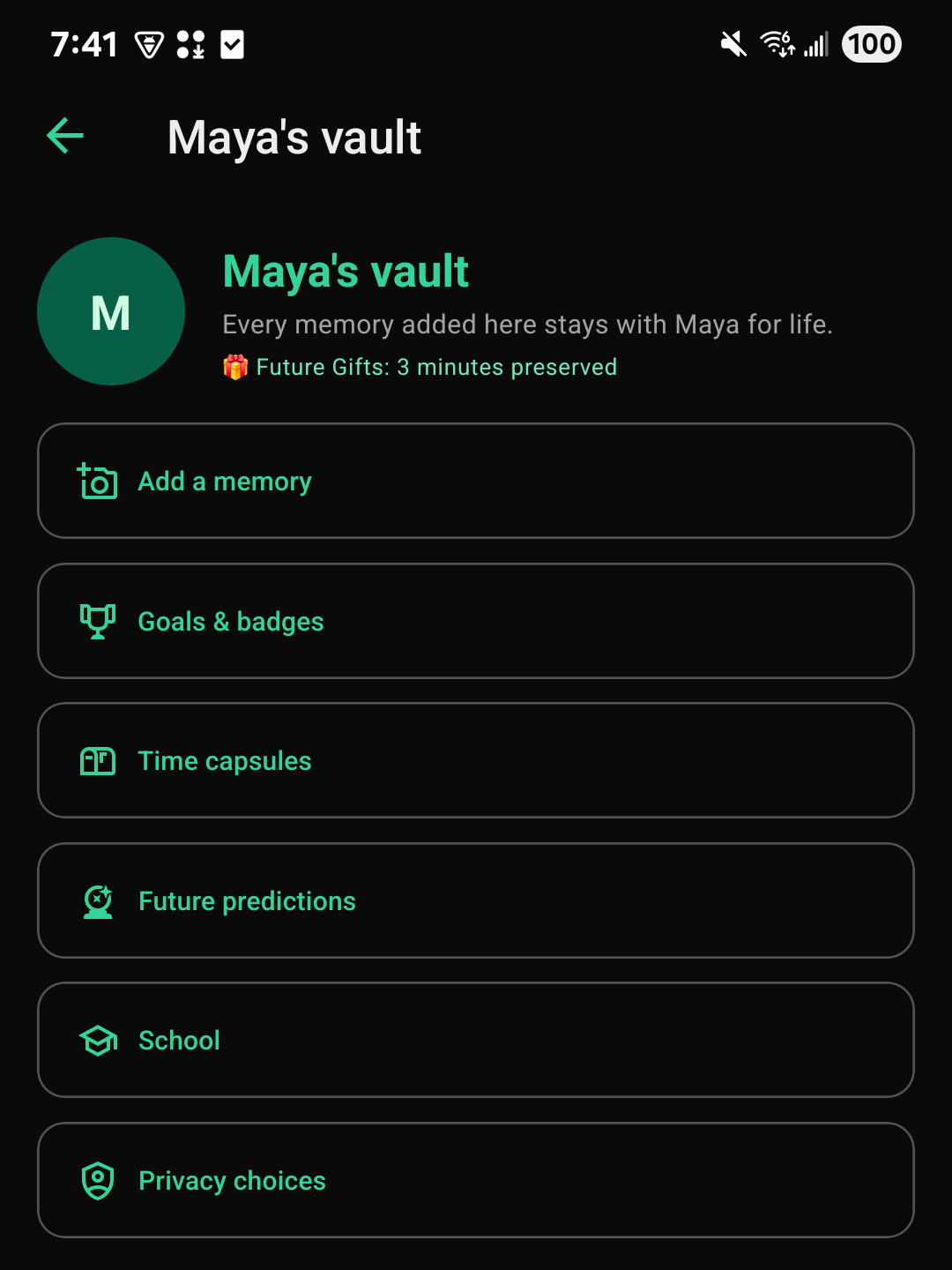
Adding a memory
Every full family member (everyone except a supporter) can add a memory.
- Open the child's vault.
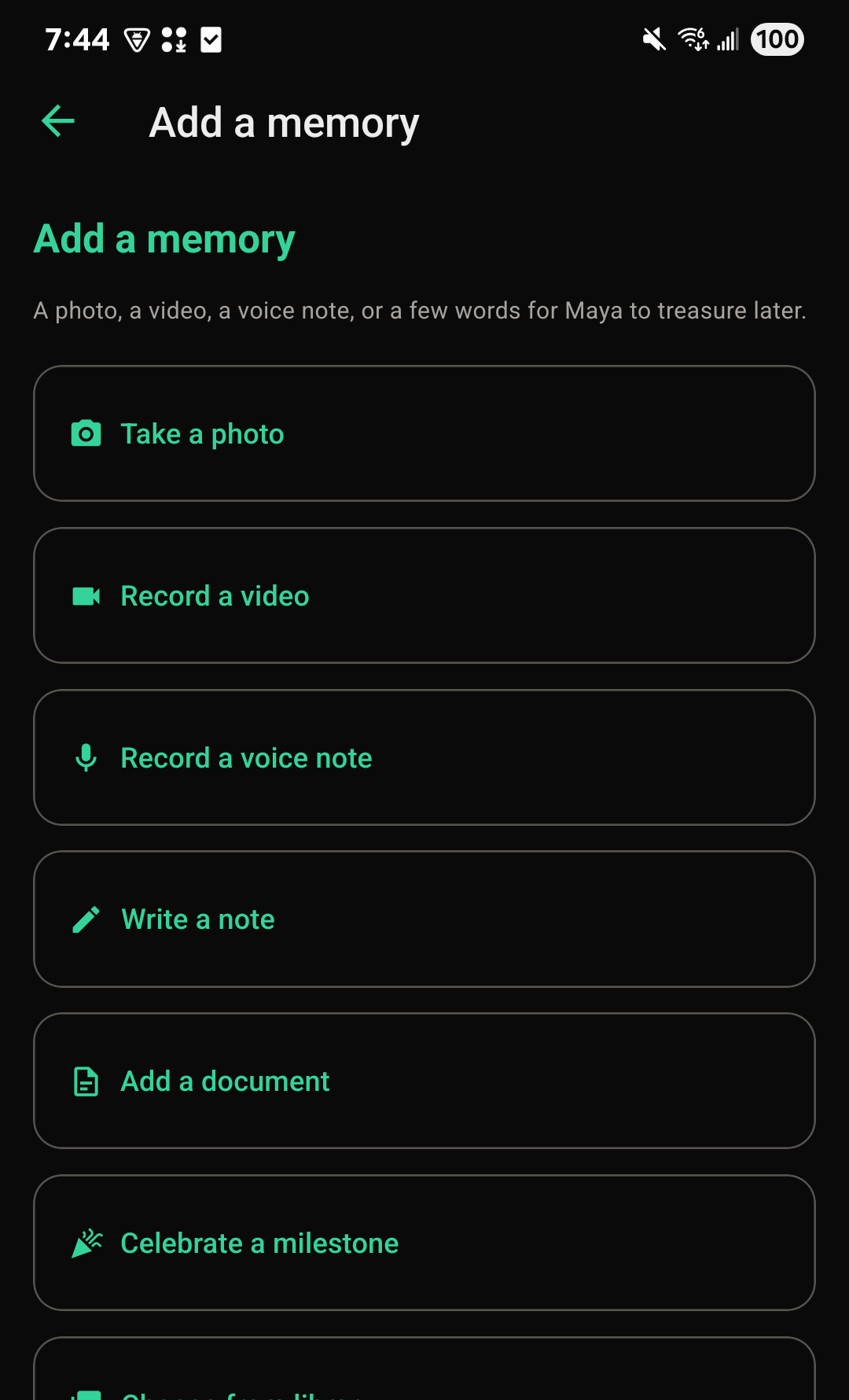
- Choose Add a memory.
- Attach a photo, a video, or a voice note, or just write a few words.
- Give it a title, and save it.
A memory doesn't need a date. If you know when it happened, you can say so, and it will sort into that age or year automatically. Photos, voice notes, and written memories are always free to add. Video needs Premium.
Celebrating a milestone
A milestone works the same way as a memory, but it's announced on the family feed so everyone sees it right away, first steps, a first day of school, a recital. Use Celebrate a milestone when you want the whole family to know, and Add a memory for something you're just tucking away.
Finding an old memory
Once a vault has enough in it, a search box and a set of chapters appear above the list. Chapters group memories by the age the child was, so "At 3" or "First year" takes you straight there without scrolling.
Keeping a memory close
Tap the heart on any memory to keep it close. Kept memories show up first when you filter by "Kept close," which is handy for the ones you want to find again quickly, a favorite photo, the story you retell every year.
Removing a memory
Whoever added a memory can remove it. A parent or guardian can also remove something someone else added. A removed memory comes off the vault and the feed right away, but it isn't deleted yet: it can be put back for a year, in case it was a mistake. After a year, it's deleted for good.
Putting a removed memory back
- Open the child's vault on the website.
- Below the memories, open Removed from Maya's vault (it shows the child's name). It only appears once something has been removed.
- Choose Put it back next to the memory.
You'll see the memories you're able to put back: ones you added, or, for a parent or guardian, any memory in that vault. Nobody else sees this list.
In the app: Putting a memory back is done on the website for now.
The monthly memory prompt
FutureRoots gently nudges your family once a month to add something for a child who hasn't had a new memory in a while. You can dismiss it for the month, and it won't ask again until next month.
- Looking for the FutureRoots Fund, goals, time capsules, or the Legacy archive? Each has its own Help Center page linked from the Help Center.