
Getting the app
FutureRoots is on Google Play for Android phones. The iPhone app is coming to the App Store; until then, iPhone users can use the website in their phone's browser.
Sign in with the same email and password you use on the website. Your family's vaults, feed, and archive are the same on both. The app keeps you signed in on your phone, so consider turning on App Lock.
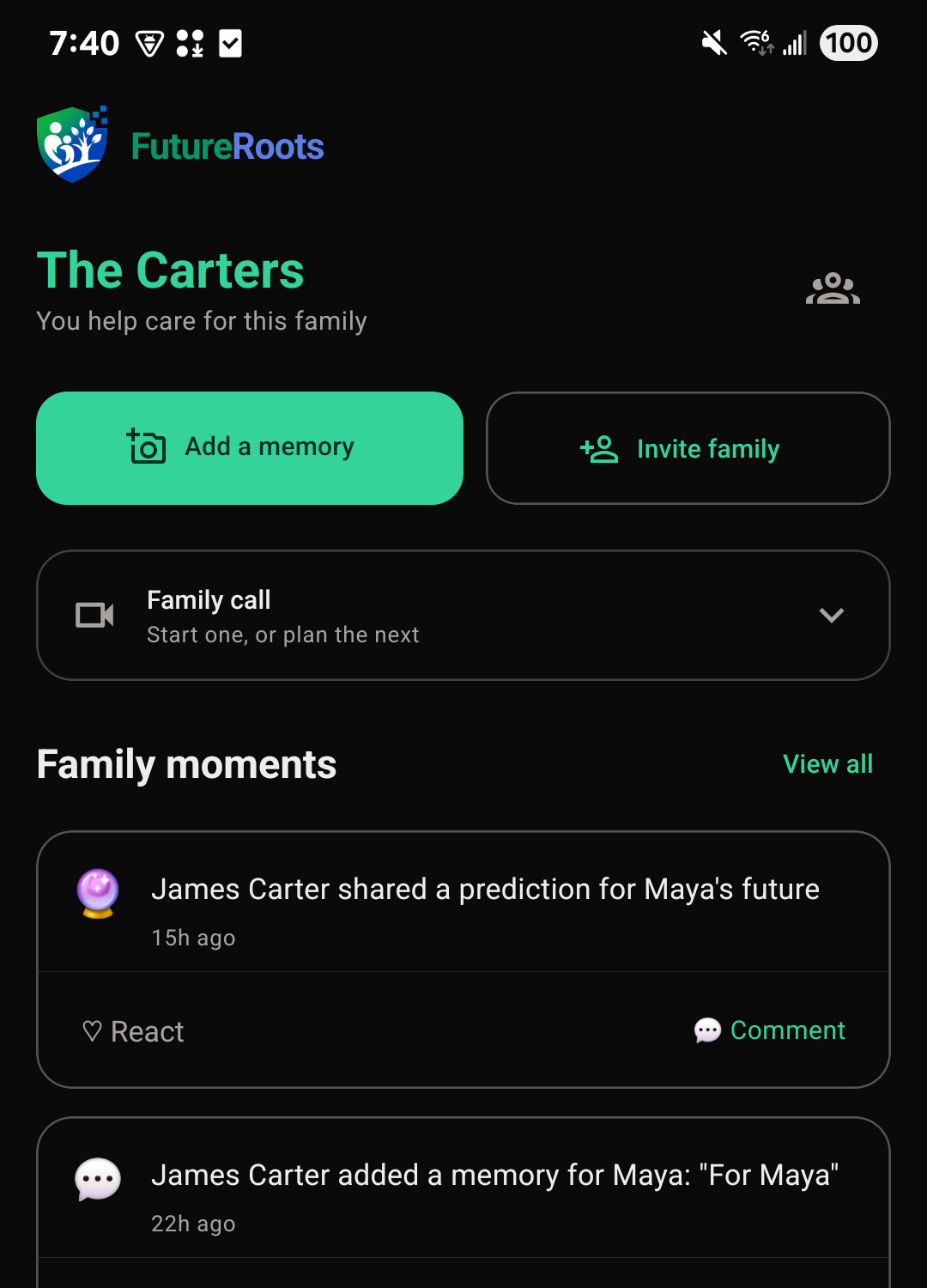
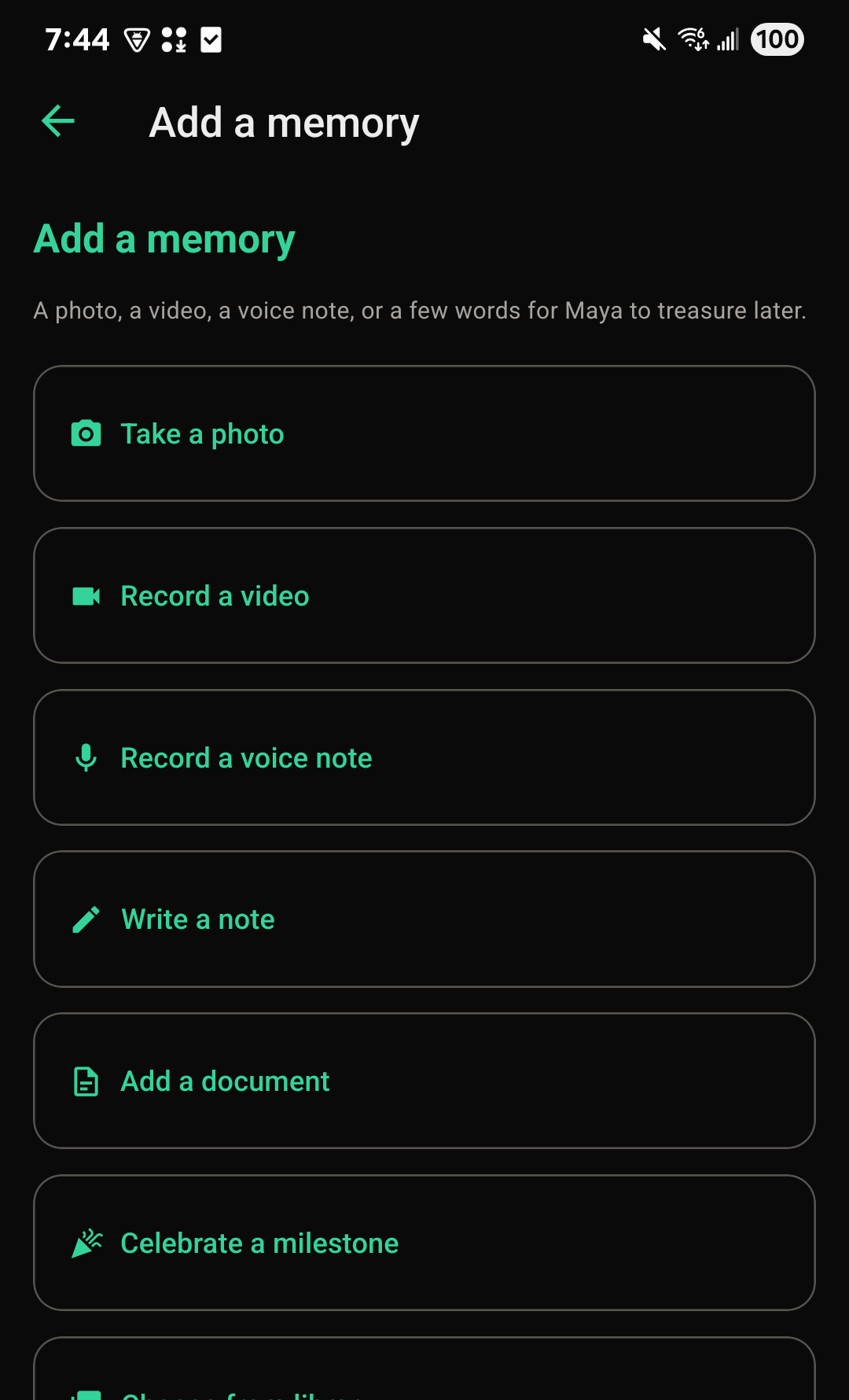
Adding a memory from your phone
- Tap Add a memory on Home.
- Choose a photo, a video, a voice note, a written note, a document, or a milestone to celebrate.
- Add a title, and save it.
Video needs Premium. Everything else is always free to add.
What the website does that the app doesn't
A few things are done on the website, at futureroots.app:
- Choosing, changing, or canceling a plan, and giving a family a year of Premium. The app doesn't sell anything.
- Setting up a child's FutureRoots Fund.
- Printing a card with a gift link's QR code.
- Downloading the list of a fund's gifts as a spreadsheet.
- Putting back a memory removed from a child's vault.
Family members can still give a gift to a child's FutureRoots Fund from the app, once the fund is set up.
Notifications
The app can notify you when your family adds something new. To choose which notifications you get:
- In the app, tap Menu, then Notifications.
- On the website, open your account menu (your picture or initials, in the top corner) and choose Notification settings.
They're the same settings either way.